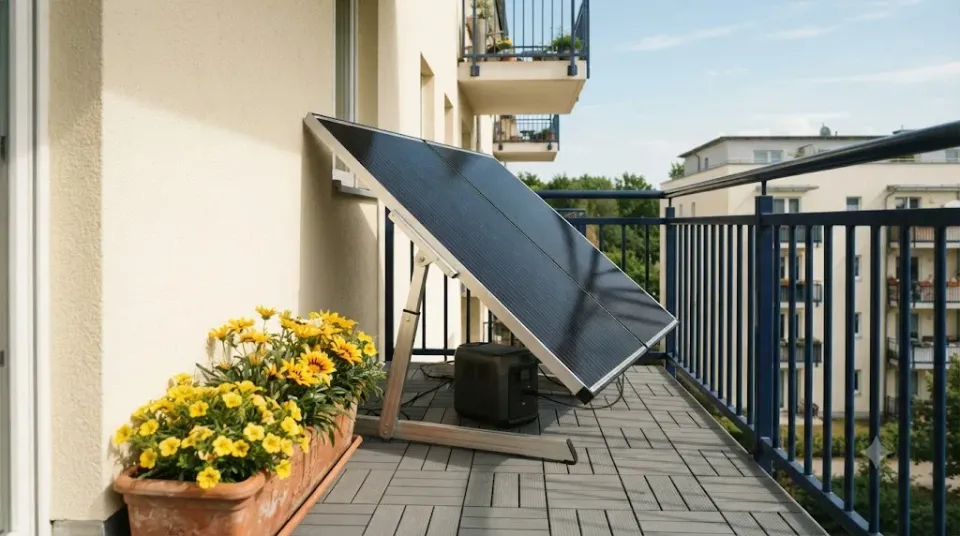

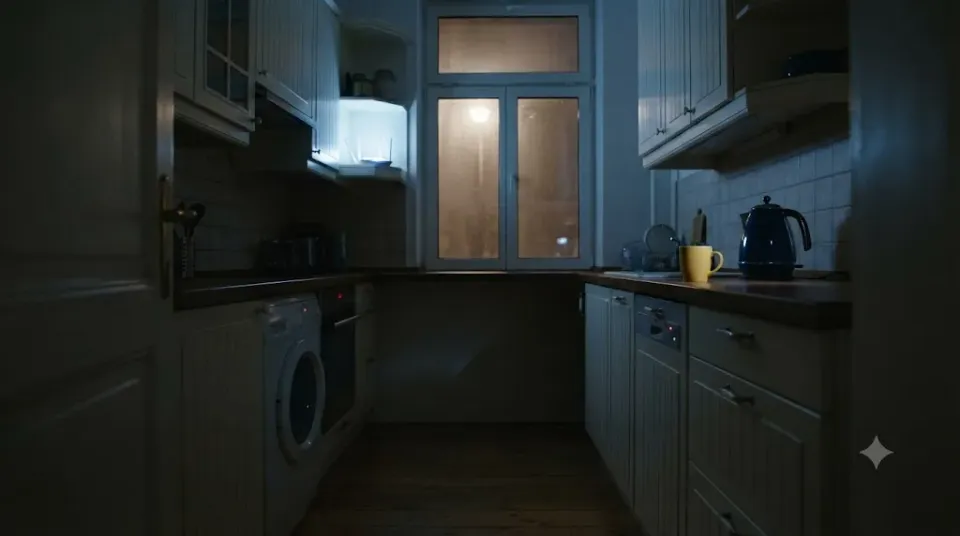
Go and stand in your kitchen at 3:00 in the morning. Everything looks off. Yet your electricity meter is still turning over, often at 80 to 200 W. That never-ending draw is your base load (the minimum power your home uses at every hour, day and night). Every 10 W of it running 24/7 costs about 32 € a year. And it is the first thing your balcony solar covers, every sunny hour, without you lifting a finger.
Base load is surrounded by half-truths. Some people think standby is nothing. Others think solar is wasted on it. Some think it should be cut to zero. This article takes eight common myths one by one, says what is actually true, and shows the proof with numbers you can check on your own meter.
Myth 1: "Standby is just a few watts, it does not matter"
What is true: a single device on standby often draws little. A whole flat full of them, plus the devices that never really sleep, adds up to a steady chunk of your bill.
The proof: here is a sample breakdown for a typical flat.
| Device | Typical constant draw | Energy per year |
|---|---|---|
| Modern fridge (averaged over the day) | about 15 - 30 W | about 130 - 260 kWh |
| Wi-Fi router | about 10 W | about 90 kWh |
| TV, receiver, speakers on standby | about 10 - 40 W | about 90 - 350 kWh |
| Heating circulation pump (modern) | about 5 W | about 45 kWh |
| Chargers, clocks, smart devices | about 5 - 15 W | about 45 - 130 kWh |
That adds up to roughly 45 to 100 W, or around 400 to 875 kWh a year. To turn watts into a yearly figure, multiply by 8,760 (the hours in a year) and divide by 1,000. At 37 ct/kWh, close to the BDEW average for new household contracts in 2026:
- 45 W x 8,760 / 1,000 = about 394 kWh = about 146 € a year
- 100 W x 8,760 / 1,000 = 876 kWh = about 324 € a year
For a household using 2,500 kWh a year, base load can be a quarter or more of the whole bill. "A few watts" is not the right word for that.
Rough bands look like this:
- Low, about 50 - 150 W: a modern, efficient household.
- Medium, about 150 - 300 W: a mix of newer and older devices.
- High, over 300 W: older fridges or freezers, aquariums, home servers, lots of electronics left on.
Myth 2: "You need special equipment to measure it"
What is true: your electricity meter is enough. A cheap plug-in energy meter helps find the culprits.
The proof: pick one of these methods.
- The meter at night. Late in the evening, when everything you normally switch off is off, read your electricity meter. Read it again an hour later. The difference in kWh, times 1,000, is your base load in watts. Example: 0.12 kWh in one hour = 120 W. A digital meter often shows the live power directly.
- A smart meter or app. If you have one, look at the lowest value between about 2:00 and 5:00. That is your base load.
- A plug-in energy meter. Plug individual devices through it to find out which ones draw the most when idle. Leave it on the fridge for 24 hours to get a real average, because a fridge cycles on and off.
One caution with the night method: your fridge and freezer switch on and off. If you measure for only five minutes, you might catch the compressor running or resting. One full hour evens that out. Two readings on different nights are better still.
A worked example: Lena's flat in Hamburg
Take an example household: Lena, a two-room flat in Hamburg. She reads her digital meter at 23:00 and sees a live value of 168 W. Higher than she expected. She spends one Saturday morning with a plug-in meter and finds:
| Found | Measured draw | Per year at 37 ct/kWh | Action |
|---|---|---|---|
| Fridge-freezer (24 h average) | about 25 W | about 81 € | Keep |
| Router and smart speaker | about 14 W | about 45 € | Keep |
| TV corner: older TV box, soundbar, console in "instant on" | about 38 W | about 123 € | Switchable strip, console to energy-saving mode |
| Desktop PC idling all night | about 55 W | about 178 € | Sleep after 20 minutes |
| Bathroom heated towel rail on a timer that was set wrong | about 30 W average | about 97 € | Reset timer to mornings only |
| Chargers, clocks, the rest | about 6 W | about 19 € | Ignore |
After the changes her night-time base load drops to about 50 W. That is roughly 118 W less, or about 1,030 kWh a year, worth about 380 € a year at 37 ct/kWh. To be fair, the towel rail only runs in the heating season, so the real figure is lower, perhaps around 300 €. Still, that is more than her balcony system will save her in a year. The lesson: measure before you buy anything.
Brennenstuhl Primera-Line PM 231 E
A simple plug-in energy meter with a display - no app, no Wi-Fi, just plug in and read watts and kWh. Great for finding standby hogs; the limitation is that you have to read it on the spot rather than see history on your phone.
Check price on Amazon Ad - affiliate link. Prices change; check the listing.Myth 3: "Solar is wasted on base load"
What is true: base load is the most reliable use of solar there is. It runs during every sunny hour, so the first watts from your balcony go straight into it. That share is almost guaranteed self-consumption (solar power used at home rather than exported).
The proof: a rough example. Say your base load is 100 W and your panels produce more than that for about 9 hours on an average day across the year. That covers around 900 Wh a day, or roughly 300 kWh a year, of base load from solar. At 37 ct/kWh, that is about 110 € a year before you change a single habit. Darker months give less, and a heavily shaded balcony less again, so treat this as an upper-end illustration.
Compare that with the alternative. Without a base load, the same midday output would leave the flat unpaid, because balcony systems in Germany generally get no feed-in payment. Base load is the reason a balcony system saves money even for people who are out all day.
Sunslot shows this for your own balcony. It estimates hour-by-hour output for your direction, tilt, shade and city, and shows how much you would use yourself versus export. Put your base load in and look at the flat band at the bottom of the chart: that is the part your panels cover every day without effort.
Myth 4: "Cutting base load to zero is the goal"
What is true: you cannot, and you should not try. A fridge and router will run whatever you do. The goal is to cut waste, not essentials.
The proof: look at what a "good" base load contains. A modern fridge at around 20 W average, a router at 10 W, a heating pump at 5 W and a few chargers at 10 W. That is about 45 W, and every item does a job. Switching off the router at night saves about 40 kWh a year, or around 15 €, but costs you time, and some routers and smart devices do not like it.
Where cutting pays:
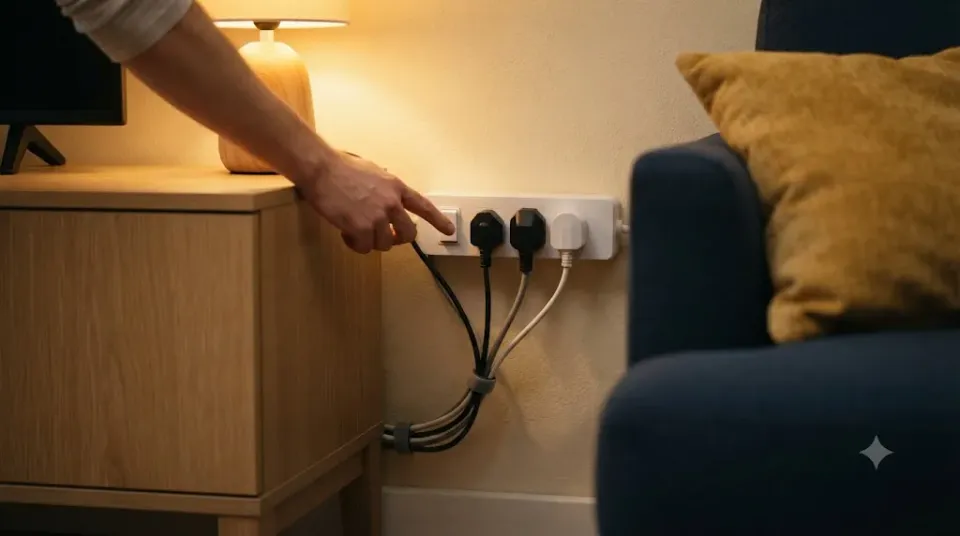
- The TV corner. TV, receiver, soundbar, game console. A switchable power strip can cut 10 to 40 W of standby. That is up to about 130 € a year at 37 ct/kWh at the high end.
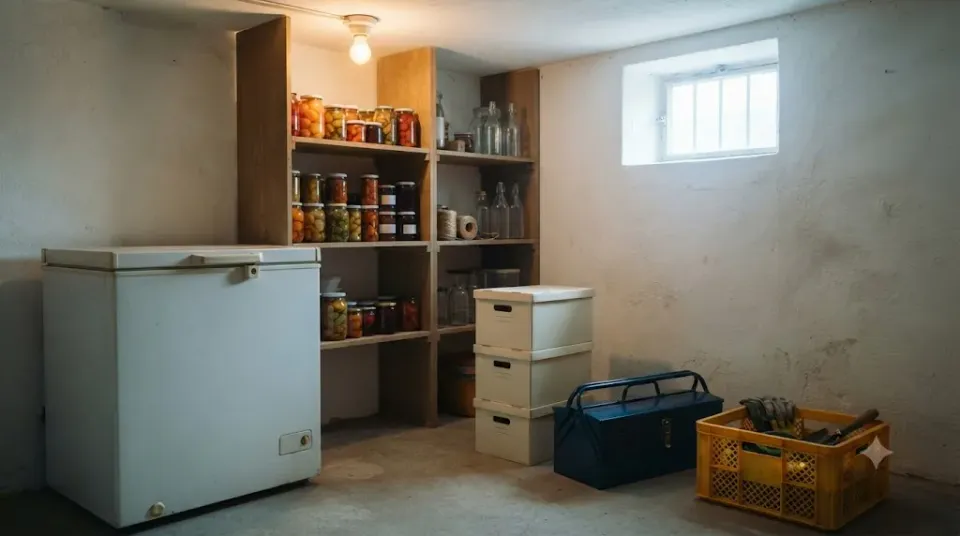
- The second fridge or freezer. An old one in the cellar can draw 0.5 to 1.5 kWh a day. That is roughly 180 to 550 kWh a year.
- The PC that never sleeps. A desktop left on idle can draw 50 to 100 W. Set it to sleep.
Two rules of thumb:
- If your base load is very high (over 300 W), look for waste first. Your solar would be covering power you do not need.
- If your base load is low (under 100 W), do not chase the last watts. Focus on timing your appliances instead - see which appliances to run in the sun.
Myth 5: "Once I have solar, my standby costs nothing"
What is true: solar covers base load only while the sun is up and strong enough. At night, in the early morning and on dark winter days, it comes from the grid at full price.
The proof: a 100 W base load uses 2.4 kWh a day. Even on a long June day, an 800 W balcony system typically produces more than 100 W for maybe 11 to 13 hours. The rest of the day, roughly half, comes from the grid. In December, with short days and low sun, solar might cover the base load for only a few hours, and on a dull day for none.
| Season (rough, south balcony) | Hours above 100 W on a clear day | Share of a 100 W base load covered |
|---|---|---|
| June | about 11 - 13 | about half |
| March / September | about 8 - 10 | about a third or more |
| December | about 3 - 5 | about a sixth |
The figures are illustrative and assume clear days. Cloudy days give less. That is why the yearly average in Myth 3 is about 9 hours a day across sunny and dull days, and why we called it an upper-end example.
So standby still costs you. Solar halves it at best. Cutting genuine waste is still worth doing. For winter output, see winter, snow and heat.
One more point people miss: base load and solar timing work together. When Lena (from the example above) cut her base load from 168 to 50 W, her balcony panels started exporting more at midday, because there was less to cover. Her solar saving dropped a little, but her total bill dropped a lot more. That is the right trade. Then she moved her dishwasher into the sunny window to use the extra midday surplus, which won back part of the solar saving too.
Myth 6: "A high base load means a battery will pay off"
What is true: a high night-time base load does make a balcony battery more useful, because it has something to power after sunset. But it often makes more sense to cut the base load first.
The proof: take an example household with a 250 W base load, much of it an old cellar freezer and a home server. At night, from about 20:00 to 7:00, that is 11 hours x 250 W = 2.75 kWh. A balcony battery could cover part of that from stored midday surplus.
Now compare two options for this example household:
- Option A: add a battery. Storage typically adds several hundred euros to a kit; sets with storage cost around 800 to 1,200 euros in 2026 versus 250 to 500 without. If it shifts around 300 kWh a year from the grid, after losses, that saves about 110 € a year.
- Option B: replace the old freezer. Say the old one uses 1.2 kWh a day and a new efficient one uses 0.5 kWh. That saves about 255 kWh a year, or about 95 € - and a new freezer may cost about the same as or less than a battery upgrade, while lasting well over a decade.
Option B also lowers the base load the battery would have to carry, which changes the battery maths. Do the cheap fix first, measure again, then decide. Our article on balcony solar batteries has the full maths.
Myth 7: "All standby is the same, so just unplug everything"
What is true: devices differ hugely, and some should stay on. Unplugging everything is tiring, and some devices lose settings, need long restarts or are needed for safety.
The proof: new devices sold in the EU must meet ecodesign standby limits. Under EU Regulation 2023/826, since May 2025 most new household and office devices may draw no more than 0.5 W in plain standby, or 0.8 W if they show a display such as a clock. So a new TV on plain standby is a tiny load. Older devices and "networked standby" (staying online to wake by app or voice) can draw much more. A plug-in meter shows which is which.
Keep on:
- Fridge and freezer, obviously.
- Heating controls and the circulation pump.
- Smoke or alarm systems on mains.
- Your balcony system's monitoring, if it uses a separate gateway.
Worth switching off:
- TV corner, via a switchable strip.
- Desktop PC and monitors, via sleep or a strip.
- Old chargers left in sockets with nothing attached (small, but free to fix).
- Coffee machines that keep warm all day.
Brennenstuhl Eco-Line Comfort Switch Plus
A power strip with two permanent and four switchable sockets, so the router stays on while the TV, soundbar and console go fully off. Never use it for the balcony system itself - that must go into a fixed wall socket.
Check price on Amazon Ad - affiliate link. Prices change; check the listing.Myth 8: "Base load has nothing to do with choosing a balcony system"
What is true: it is one of the best predictors of how much you will save. It also helps you decide on panel direction and on storage.
The proof: here are three example households with the same 800 W system making about 750 kWh a year.
| Example household | Base load | Base load covered by solar (rough) | Saving from base load alone | What to focus on |
|---|---|---|---|---|
| Efficient single flat | 50 W | about 150 kWh | about 55 € | Time appliances, export is high |
| Typical couple | 120 W | about 330 kWh | about 120 € | Timing plus a little waste-cutting |
| Household with old devices | 300 W | about 500 kWh or more | about 185 €+ | Cut waste first, then reassess |
The coverage figures are rough. They assume a mix of sunny and dull days and that solar exceeds the base load for a limited number of hours. At higher base loads, solar more often falls short, so coverage rises more slowly than the base load does.
What this means when choosing:
- Low base load: an east-west split or a vertical railing mount spreads output and avoids a big wasted noon peak. See east-west vs south.
- Medium base load: almost any direction works. Pick what your balcony allows.
- High base load: south gives the most total output, and you will use more of it. But fix the waste before you plan around it.
Run your number through Sunslot with your direction and city to see your own split. Your base load is also a key input for payback maths.
Shelly Plug S Gen3
A Wi-Fi smart plug with power metering that shows live watts and kWh per appliance in an app, ideal for learning what your washing machine or dishwasher really draws. Its maximum load is lower than a wall socket, so check the rating before using it on heaters, kettles or other high-draw appliances.
Check price on Amazon Ad - affiliate link. Prices change; check the listing.What I'd do this week
- Tonight: read the meter at 23:00 and again at midnight. Write down your base load in watts.
- Tomorrow: put a plug-in meter on the TV corner for a day, then on the fridge for a day.
- This weekend: walk the flat and the cellar. Any second fridge, aquarium, server or always-on PC? Measure each.
- Fix the biggest one. A switchable strip, a sleep setting, or retiring an old freezer.
- Measure again. Write the new number next to the old one.
- Repeat in three months. New devices creep in - a second router, a smart display, a garden pump on a timer. A quick night reading each season keeps the number honest and takes five minutes.
Then, if you have balcony solar, check how much of the day your output stays above that number. If you are still planning, that number tells you a lot about what you will save. See self-consumption for the full picture.
Base load questions
What is a normal base load for a flat?
Roughly 50 to 150 W for an efficient household, 150 to 300 W for a mix of old and new devices. Over 300 W usually means something is running that does not need to.
How do I measure my base load without a smart meter?
Read your meter late in the evening with everything you normally switch off turned off. Read it again one hour later. The difference in kWh times 1,000 is your base load in watts.
Does balcony solar cover my base load at night?
No. A standard system produces nothing after dark. Only a battery can carry midday solar into the night, and it pays off slowly for most flats.
How much does 10 W of standby cost a year?
About 32 € at 37 ct/kWh. 10 W x 8,760 hours = 87.6 kWh, times 0.37 €.
Should I cut my base load if I have solar?
Cut waste, yes. A kWh you never use is cheaper than one you make. But do not switch off essentials like the fridge, router or heating controls - solar is a good match for them.